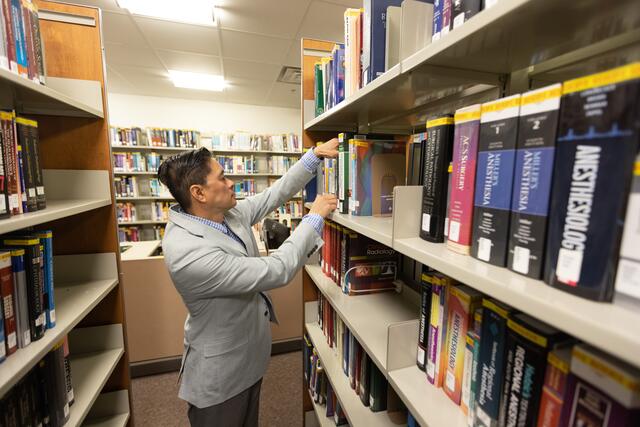
Need to request print or electronic materials that aren't available at Rutgers? You can use interlibrary loan (ILL).
After you place your request, you'll receive an email when your item is ready for pickup or available to download. Learn more about how to request a library item for pick up. Turnaround time and lending policies vary by institution.
Interlibrary loan is available to current Rutgers students, faculty, and staff; faculty emeriti; retirees; visiting scholars and students; RBHS volunteer faculty; and Rowan and CCC affiliates.
Not sure how to get started? Follow this guide for step-by-step instructions.